Practical PDF tools for every workflow
Alat PDF Online Gratis
Gabungkan, pisahkan, kompres, dan konversi PDF dengan aman.
Semua Alat
Pilih alat konverter, penggabung, kompresor, atau gambar ke PDF.
Gambar ke PDF Online
Gambar ke PDF — Proses file dengan aman secara online lalu unduh hasilnya.
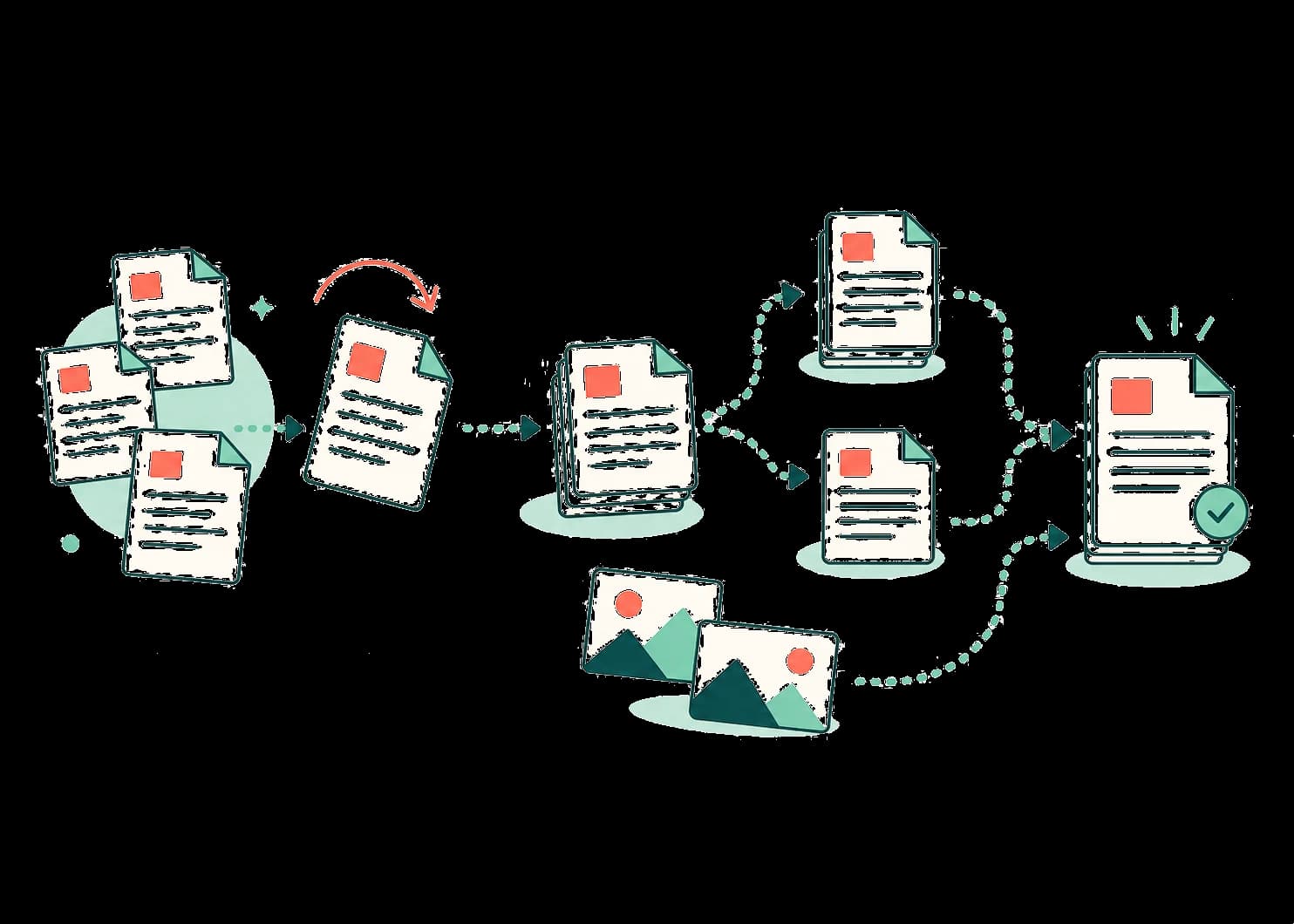
Organize page by page
Merge, split, rotate, reorder, delete, or extract.
Move between PDF and images
Create a PDF from images or export pages to JPG and PNG.
No account for common tasks
Open a tool, work with your file, and download the result.
The tool library
Pick a tool. Finish the task.
Every available tool has one focused workflow and clearly states how your file is processed.
Konversi ke PDF
Ubah dokumen dan gambar menjadi PDF.
Gambar ke PDF
Gambar ke PDF — Proses file dengan aman secara online lalu unduh hasilnya.
Word ke PDF
Word ke PDF — Proses file dengan aman secara online lalu unduh hasilnya.
Excel ke PDF
Excel ke PDF — Proses file dengan aman secara online lalu unduh hasilnya.
PowerPoint ke PDF
PowerPoint ke PDF — Proses file dengan aman secara online lalu unduh hasilnya.
Gabung dan pisah
Gabungkan dokumen atau pilih halaman PDF.
Alat PDF
Konversi, atur, kompres, dan lindungi PDF.
Putar PDF
Putar PDF — Proses file dengan aman secara online lalu unduh hasilnya.
Hapus halaman PDF
Hapus halaman PDF — Proses file dengan aman secara online lalu unduh hasilnya.
Atur ulang halaman PDF
Atur ulang halaman PDF — Proses file dengan aman secara online lalu unduh hasilnya.
Ekstrak halaman PDF
Ekstrak halaman PDF — Proses file dengan aman secara online lalu unduh hasilnya.
PDF ke Gambar
PDF ke Gambar — Proses file dengan aman secara online lalu unduh hasilnya.
PDF ke Word
PDF ke Word — Proses file dengan aman secara online lalu unduh hasilnya.
PDF ke PowerPoint
PDF ke PowerPoint — Proses file dengan aman secara online lalu unduh hasilnya.
Lindungi PDF
Lindungi PDF — Proses file dengan aman secara online lalu unduh hasilnya.
Buka kunci PDF
Buka kunci PDF — Proses file dengan aman secara online lalu unduh hasilnya.
Kompres PDF
Kompres PDF — Proses file dengan aman secara online lalu unduh hasilnya.
A simple workflow
Start with the task—not another account.
OmniPDF keeps the journey short: choose the action, make the change, and download a new copy of your file.
How files are handledUnggah
Pilih dokumen atau gambar yang ingin diproses.
Proses
Backend aman kami memproses file Anda.
Unduh
Unduh dokumen setelah pemrosesan selesai.
From files to finished PDF