Practical PDF tools for every workflow
Libreng Online PDF Tools
Pagsamahin, hatiin, i-compress at i-convert ang mga PDF nang ligtas.
Lahat ng Tool
Pumili ng converter, merger, compressor o image to PDF tool.
Larawan papuntang PDF Online
Larawan papuntang PDF — Ligtas na iproseso ang mga file online at i-download ang resulta.
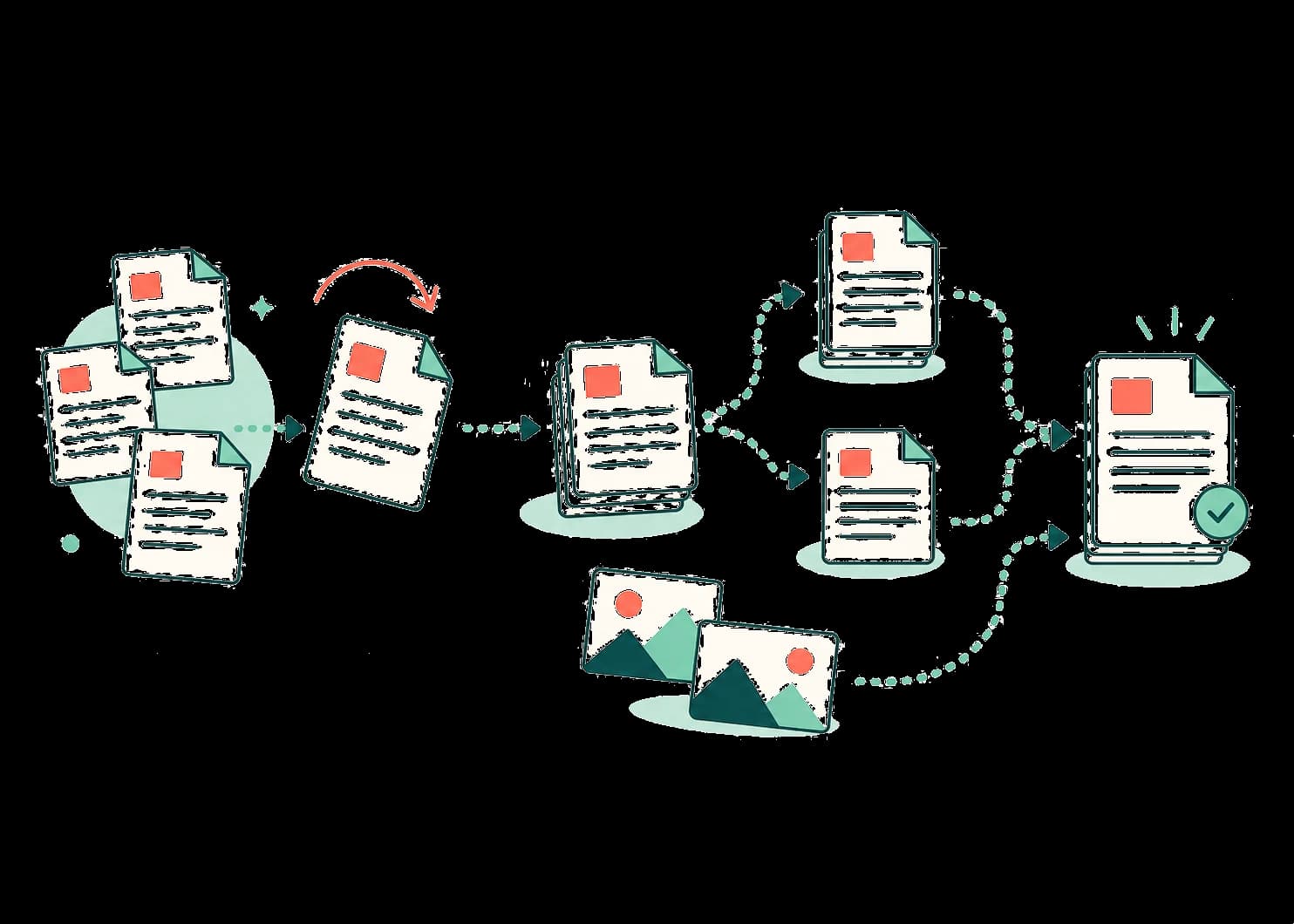
Organize page by page
Merge, split, rotate, reorder, delete, or extract.
Move between PDF and images
Create a PDF from images or export pages to JPG and PNG.
No account for common tasks
Open a tool, work with your file, and download the result.
The tool library
Pick a tool. Finish the task.
Every available tool has one focused workflow and clearly states how your file is processed.
I-convert sa PDF
Gawing PDF ang mga dokumento at larawan.
Larawan papuntang PDF
Larawan papuntang PDF — Ligtas na iproseso ang mga file online at i-download ang resulta.
Word papuntang PDF
Word papuntang PDF — Ligtas na iproseso ang mga file online at i-download ang resulta.
Excel papuntang PDF
Excel papuntang PDF — Ligtas na iproseso ang mga file online at i-download ang resulta.
PowerPoint papuntang PDF
PowerPoint papuntang PDF — Ligtas na iproseso ang mga file online at i-download ang resulta.
Pagsamahin at hatiin
Pagsamahin ang dokumento o pumili ng mga pahina.
Mga PDF tool
I-convert, ayusin, i-compress at protektahan ang PDF.
I-rotate ang PDF
I-rotate ang PDF — Ligtas na iproseso ang mga file online at i-download ang resulta.
Burahin ang mga pahina ng PDF
Burahin ang mga pahina ng PDF — Ligtas na iproseso ang mga file online at i-download ang resulta.
Ayusin ang mga pahina ng PDF
Ayusin ang mga pahina ng PDF — Ligtas na iproseso ang mga file online at i-download ang resulta.
Kunin ang mga pahina ng PDF
Kunin ang mga pahina ng PDF — Ligtas na iproseso ang mga file online at i-download ang resulta.
PDF papuntang Larawan
PDF papuntang Larawan — Ligtas na iproseso ang mga file online at i-download ang resulta.
PDF papuntang Word
PDF papuntang Word — Ligtas na iproseso ang mga file online at i-download ang resulta.
PDF papuntang PowerPoint
PDF papuntang PowerPoint — Ligtas na iproseso ang mga file online at i-download ang resulta.
Protektahan ang PDF
Protektahan ang PDF — Ligtas na iproseso ang mga file online at i-download ang resulta.
I-unlock ang PDF
I-unlock ang PDF — Ligtas na iproseso ang mga file online at i-download ang resulta.
I-compress ang PDF
I-compress ang PDF — Ligtas na iproseso ang mga file online at i-download ang resulta.
A simple workflow
Start with the task—not another account.
OmniPDF keeps the journey short: choose the action, make the change, and download a new copy of your file.
How files are handledI-upload
Piliin ang dokumento o larawang ipoproseso.
Iproseso
Ligtas na pinoproseso ng aming backend ang mga file.
I-download
I-download ang dokumento kapag tapos na.
From files to finished PDF