OmniPDF Guides
Clear instructions for everyday PDF tasks.
Open a guide when you know the result you need but want a quick, practical path through the tool.
Built around live tools
Every guide leads to a currently available PDF tool and explains the real workflow. No filler posts or separate account flow.
Start with your task
Practical PDF guides
Merge PDF guide
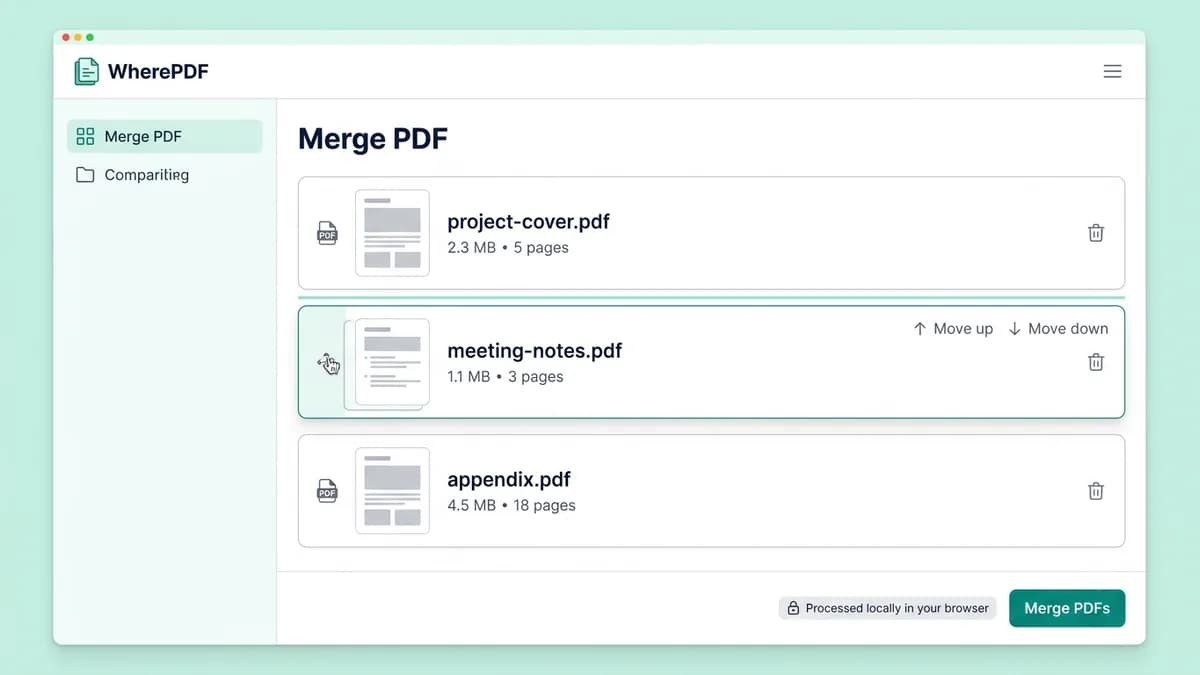
How to merge PDF files in order
Use this method when several reports, scans, or forms need to become one shareable PDF. You choose the order first, then download one combined copy.
Read guide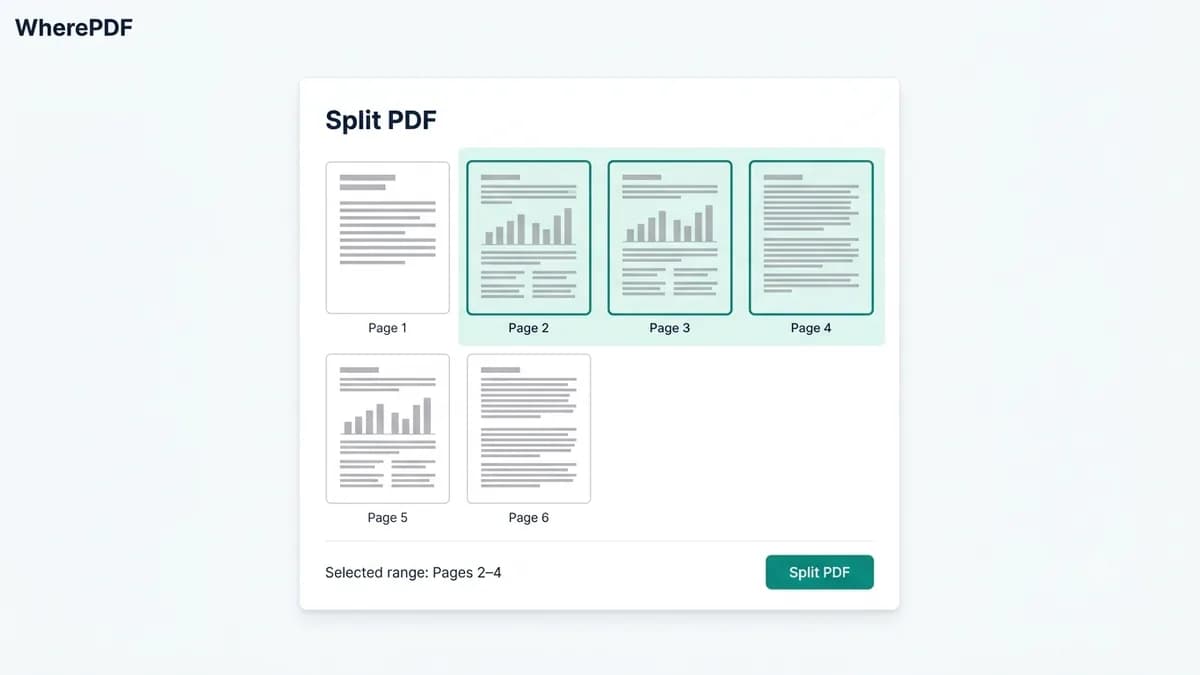
Split PDF guide
How to split a PDF by page range
Splitting is useful when you only need a continuous section of a longer PDF, such as pages 1–3 of a form packet or one chapter from a report.
Read guide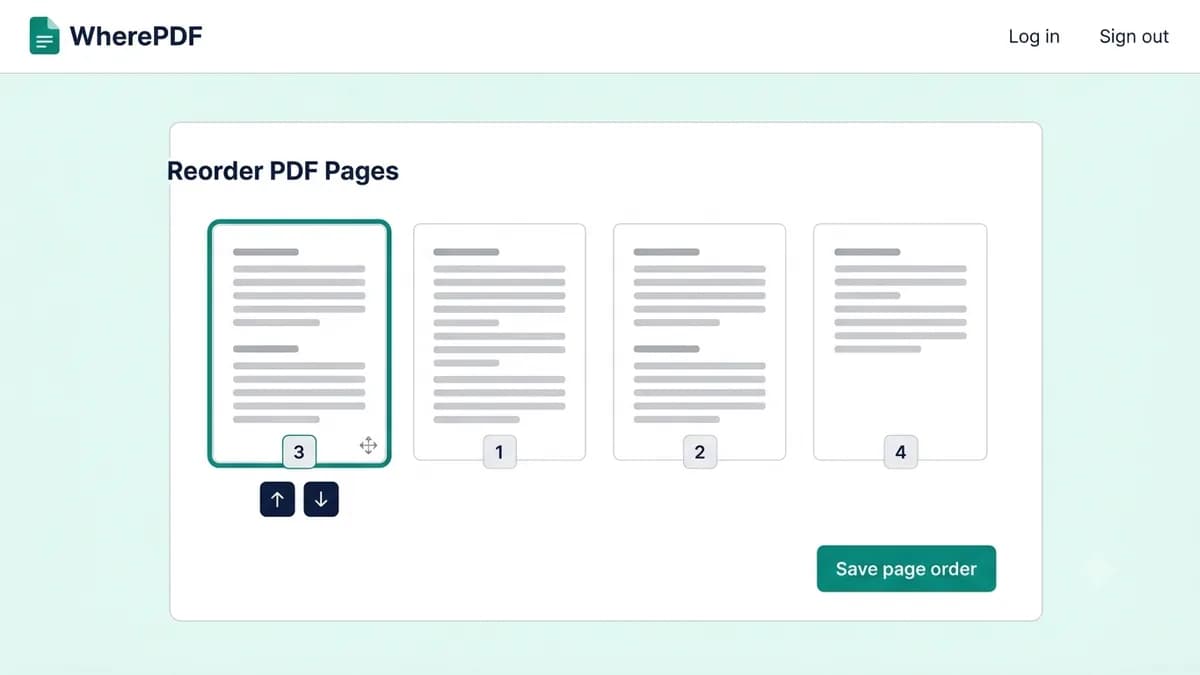
Reorder PDF guide
How to reorder PDF pages without Adobe
Use page reordering when a scan was saved in the wrong sequence, an appendix is in the middle of a report, or a document needs a clearer reading order.
Read guide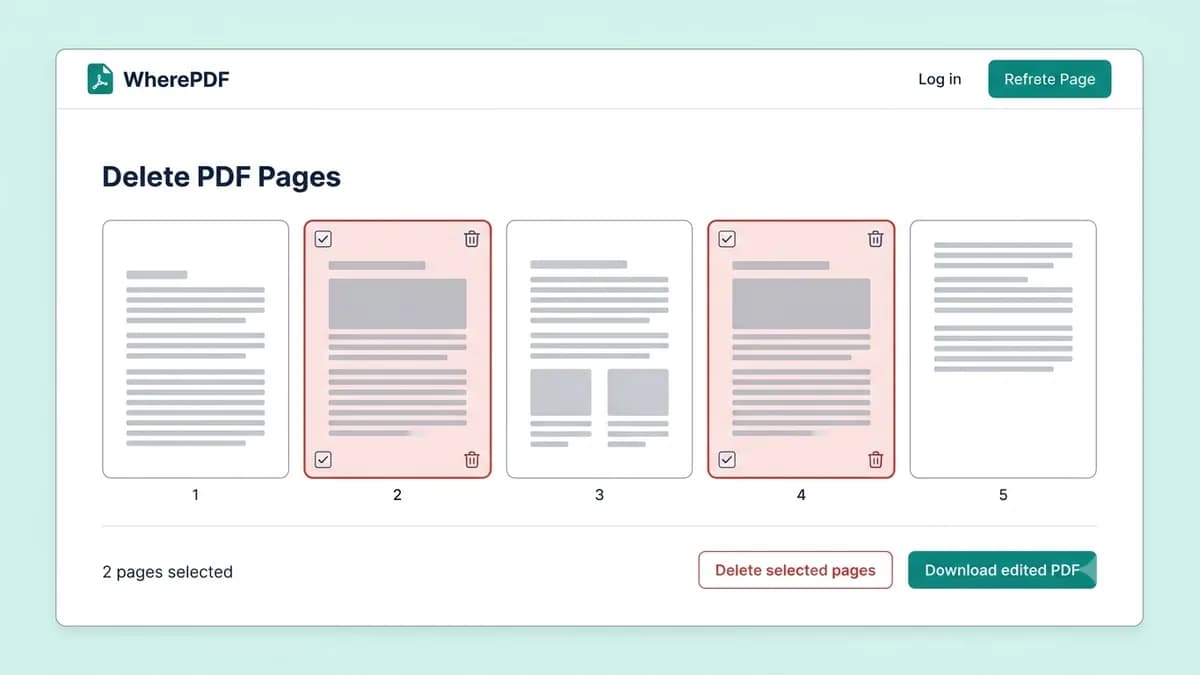
Delete PDF pages guide
How to remove pages from a PDF
Remove pages when a PDF includes blank scans, duplicate forms, or material you do not want to share. The tool makes a new copy, leaving the original intact.
Read guide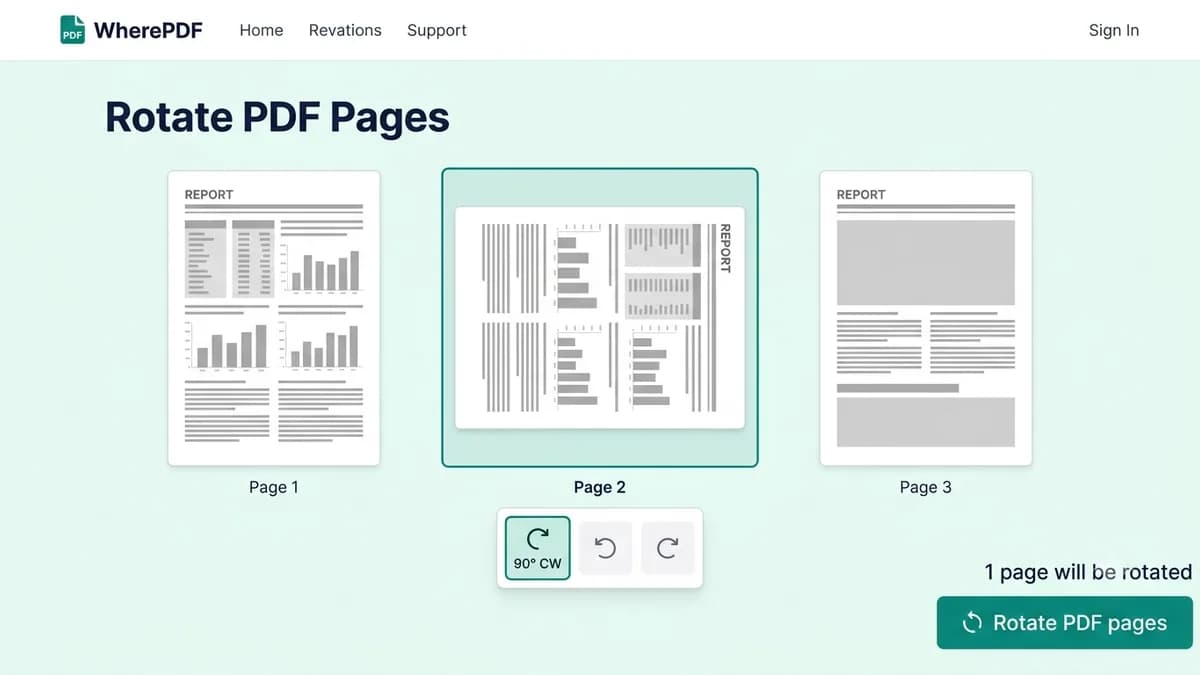
Rotate PDF guide
How to rotate PDF pages and fix orientation
A sideways scan can make an otherwise usable PDF hard to read or print. Rotate only the affected pages instead of changing the entire document.
Read guide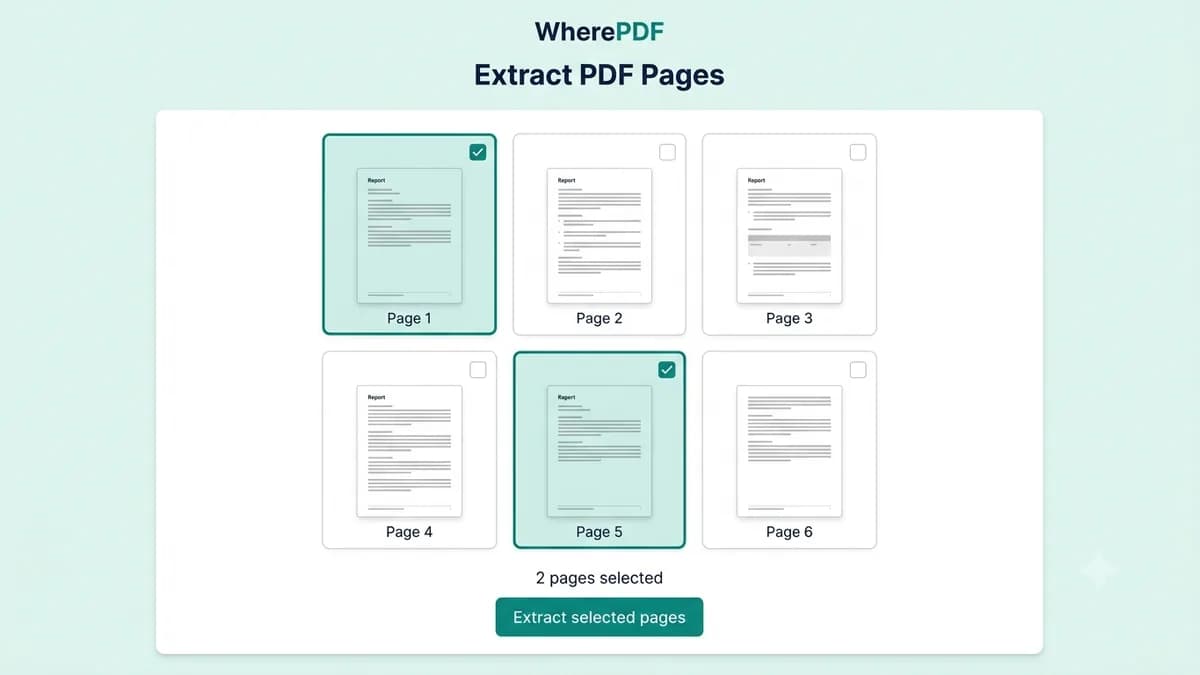
Extract PDF pages guide
How to extract specific pages from a PDF
Extract pages when you need to keep specific forms, receipts, or reference pages from a longer document. It is the right option for non-adjacent pages.
Read guide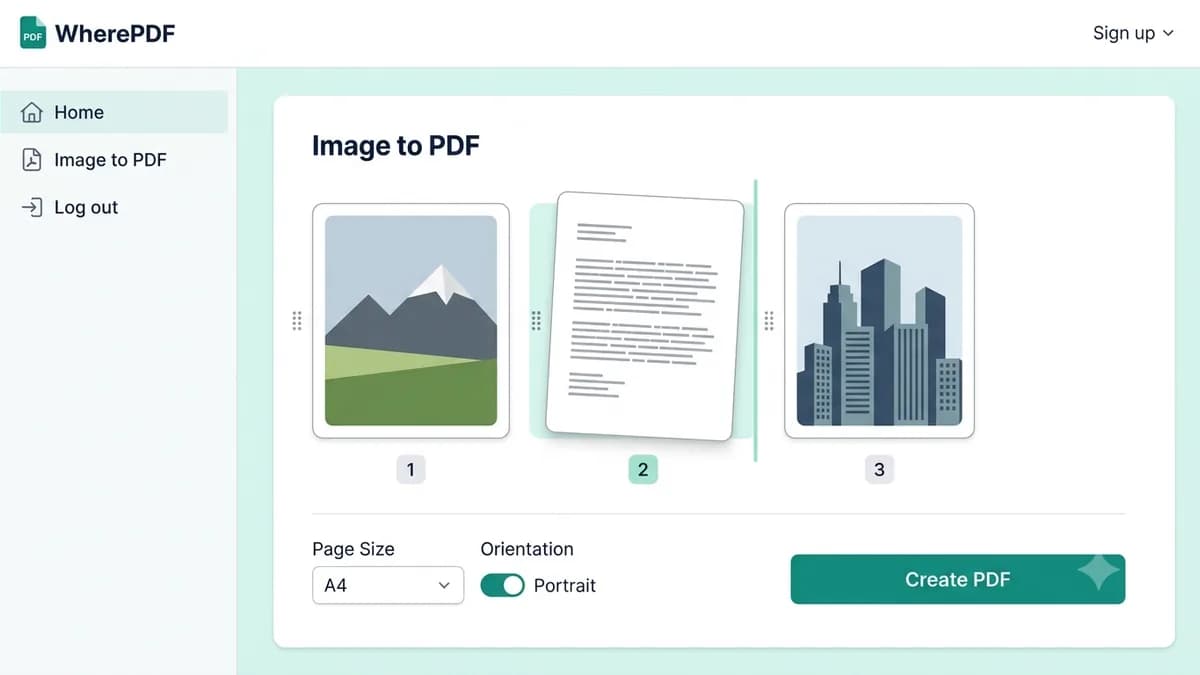
Image to PDF guide
How to convert JPG, PNG, and WebP images to PDF
Use this method to turn photos, scans, and screenshots into one shareable document. You can review the image order before each image becomes its own page in the finished PDF.
Read guide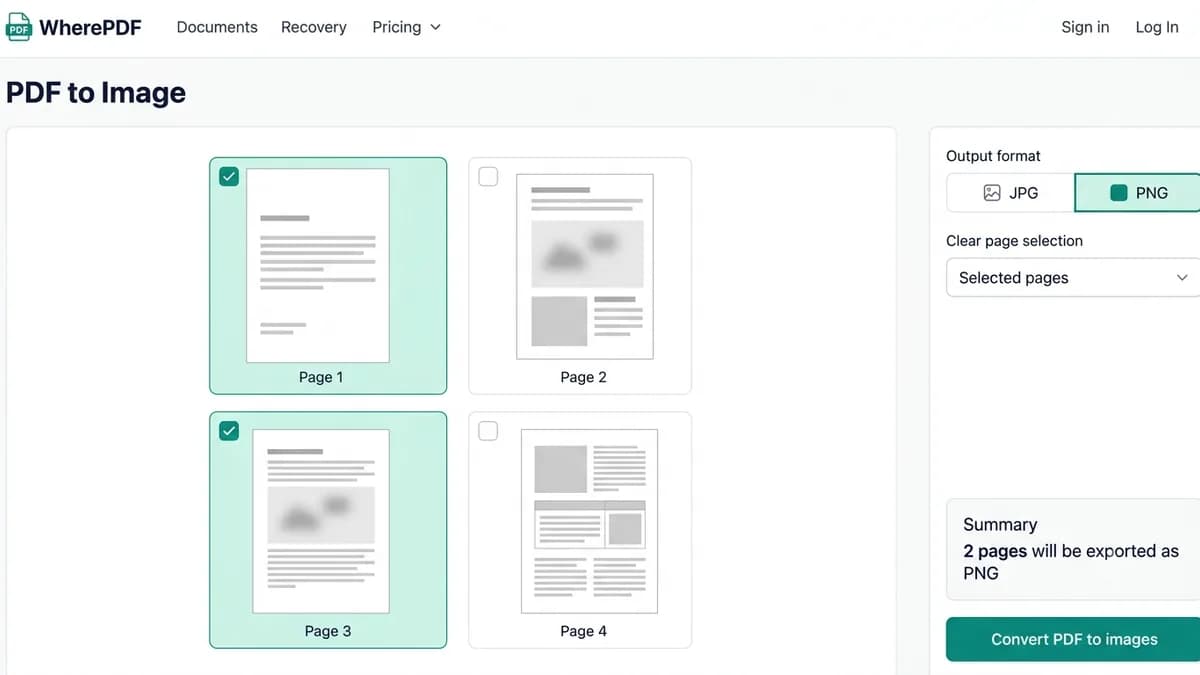
PDF to image guide
How to convert PDF pages to JPG or PNG
Use PDF to Image when a page needs to become a picture for a presentation, message, website, or image editor. You can export one page, selected pages, or every page in the document.
Read guide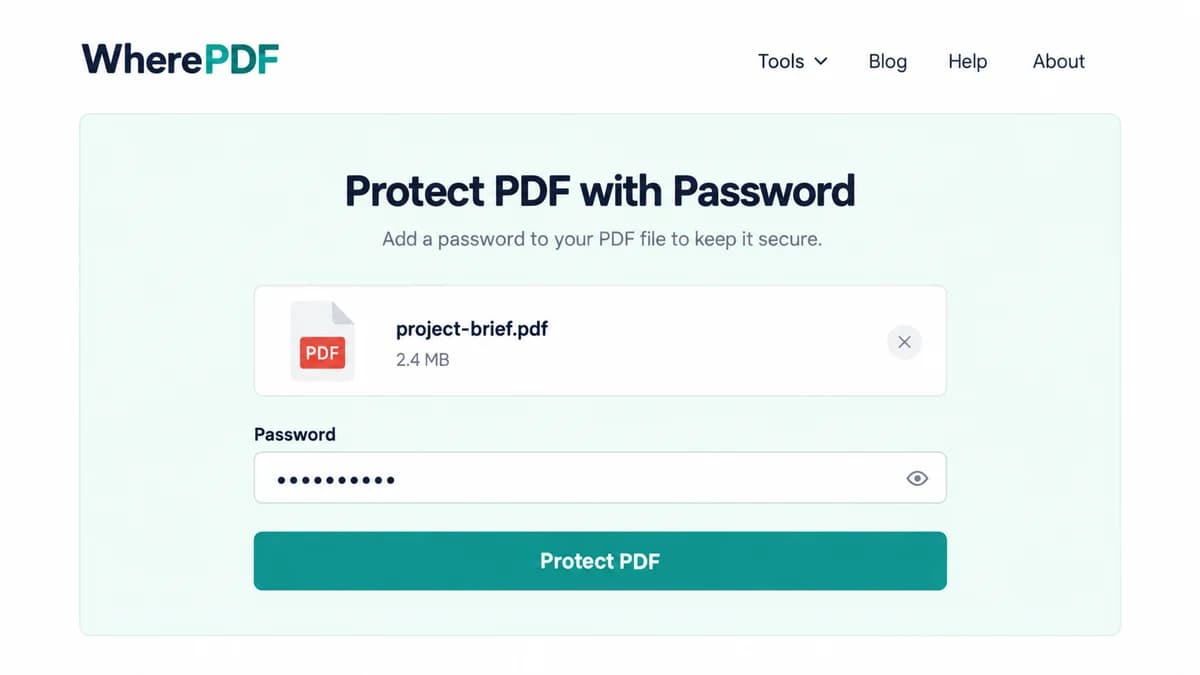
Protect PDF guide
How to password protect a PDF online
Add an open password when a PDF should only be readable by people who receive the password. OmniPDF creates a separate encrypted copy, so the unprotected source on your device remains unchanged.
Read guide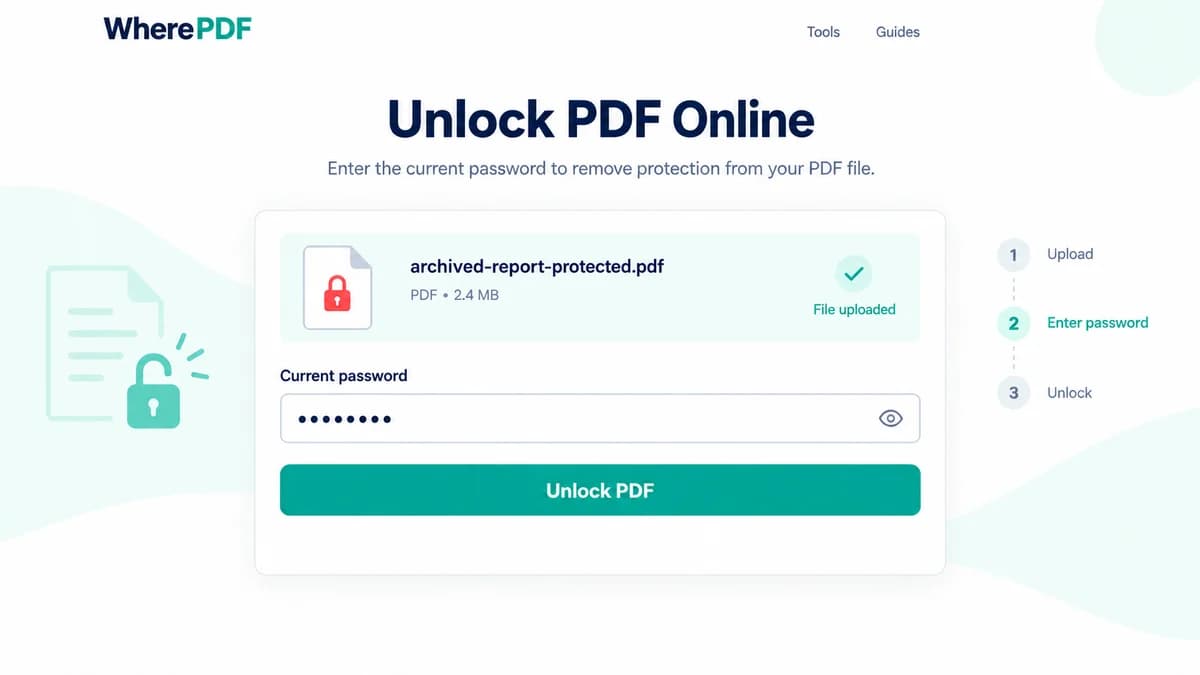
Unlock PDF guide
How to unlock a PDF when you know the password
Unlocking is useful when you own a protected document or have permission to work with it repeatedly and no longer want to enter the password each time. The existing password is required.
Read guide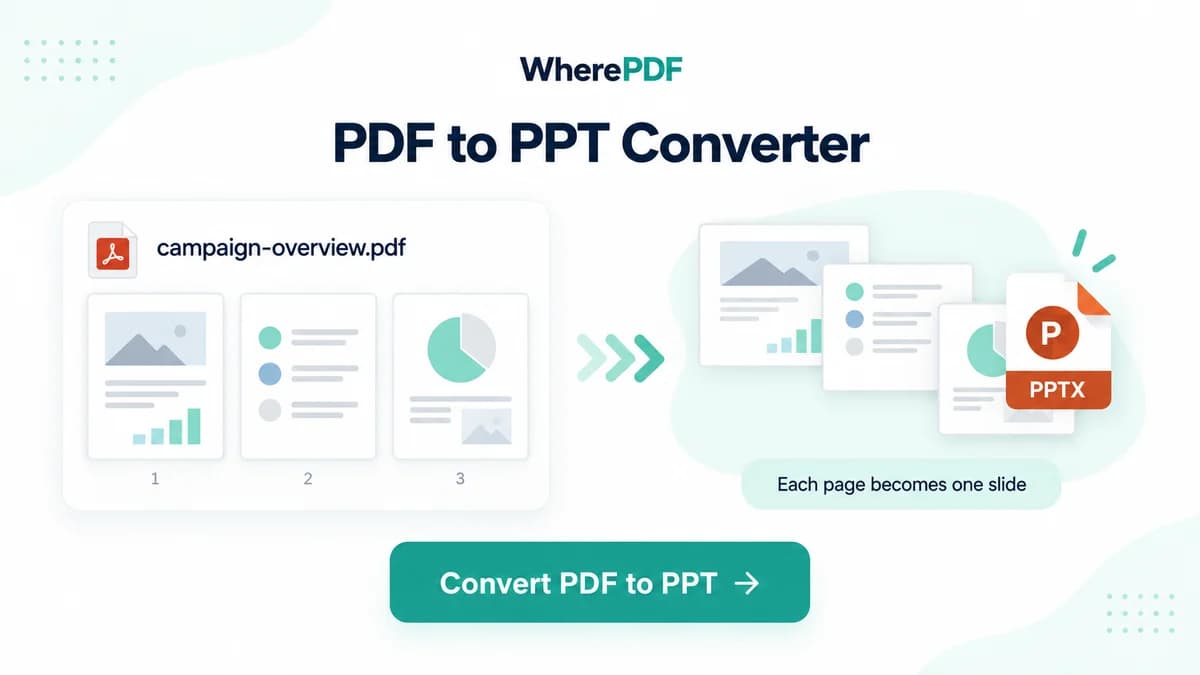
PDF to PowerPoint guide
How to convert PDF pages to PowerPoint slides
Use PDF to PowerPoint when you need a slide deck that preserves the visual appearance of a PDF for presenting, annotating, or arranging pages. Each source page becomes one slide image.
Read guide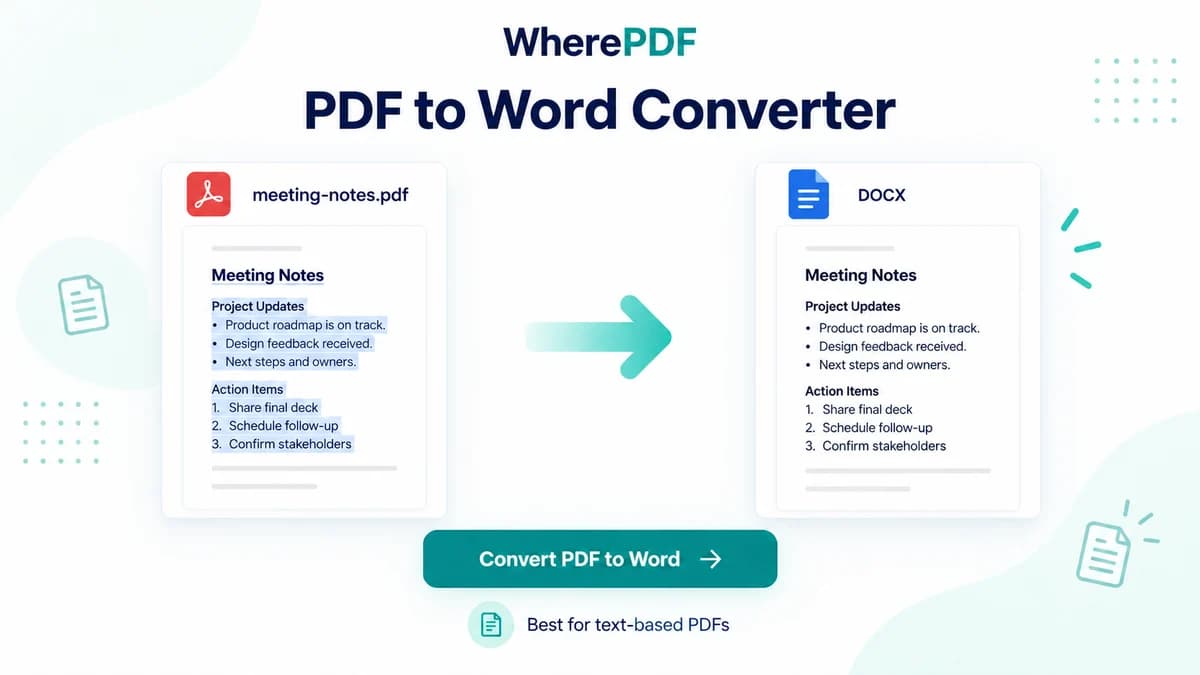
PDF to Word guide
How to convert a text PDF to an editable Word file
Choose PDF to Word when a document contains selectable text that you need to revise in a DOCX editor. It works best with straightforward text layouts rather than scanned pages or image-only PDFs.
Read guide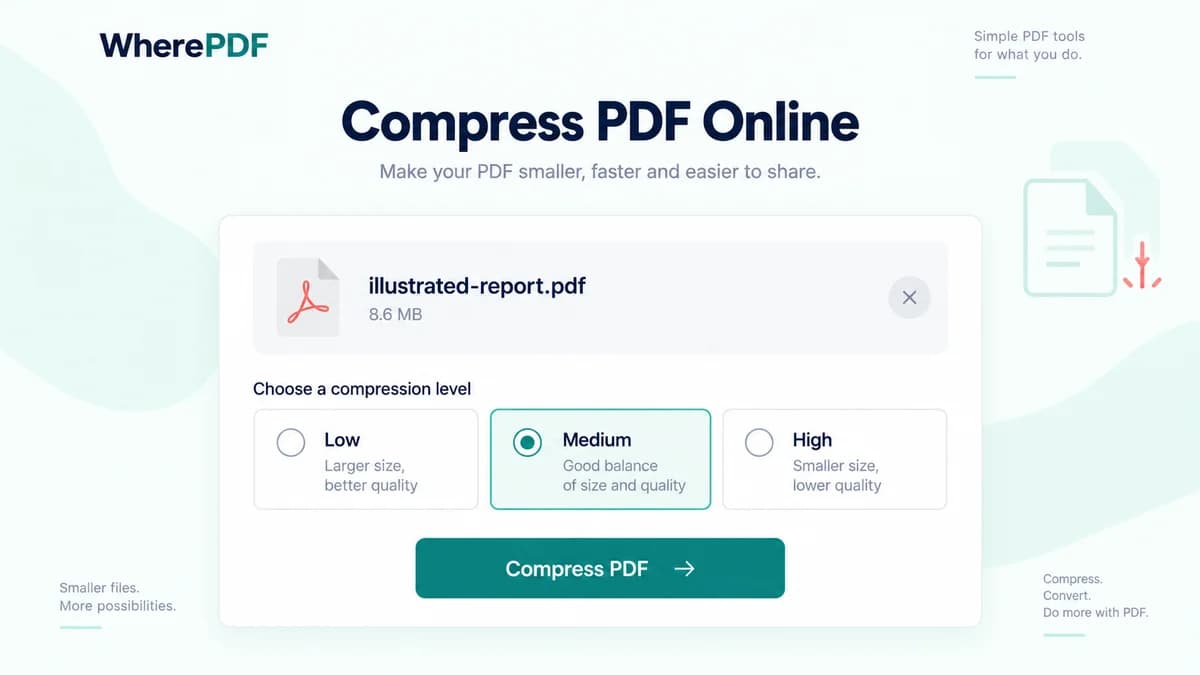
Compress PDF guide
How to compress a PDF and choose the right level
Compression helps when a PDF is too large for an email attachment, upload form, or storage limit. The right preset depends on whether you value maximum visual quality or the smallest practical result.
Read guide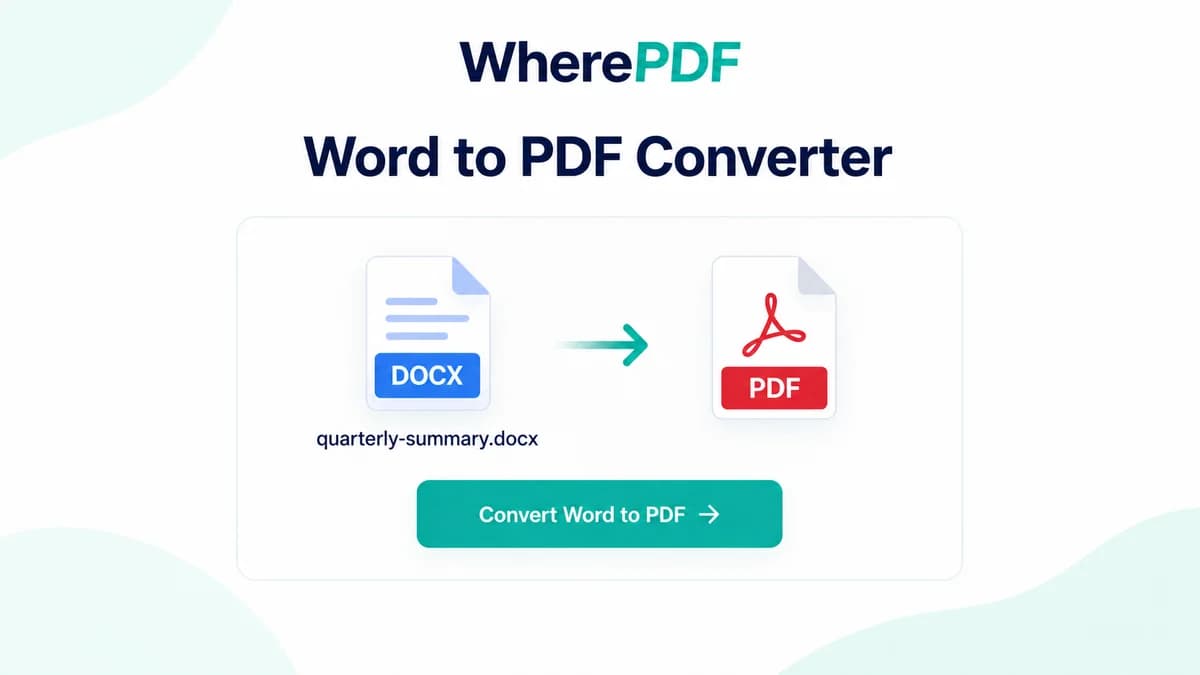
Word to PDF guide
How to convert Word DOC or DOCX files to PDF
Convert a Word document to PDF when you need a fixed-layout copy for sharing, printing, or archiving. A quick source-file review helps avoid font substitutions and unexpected page breaks.
Read guide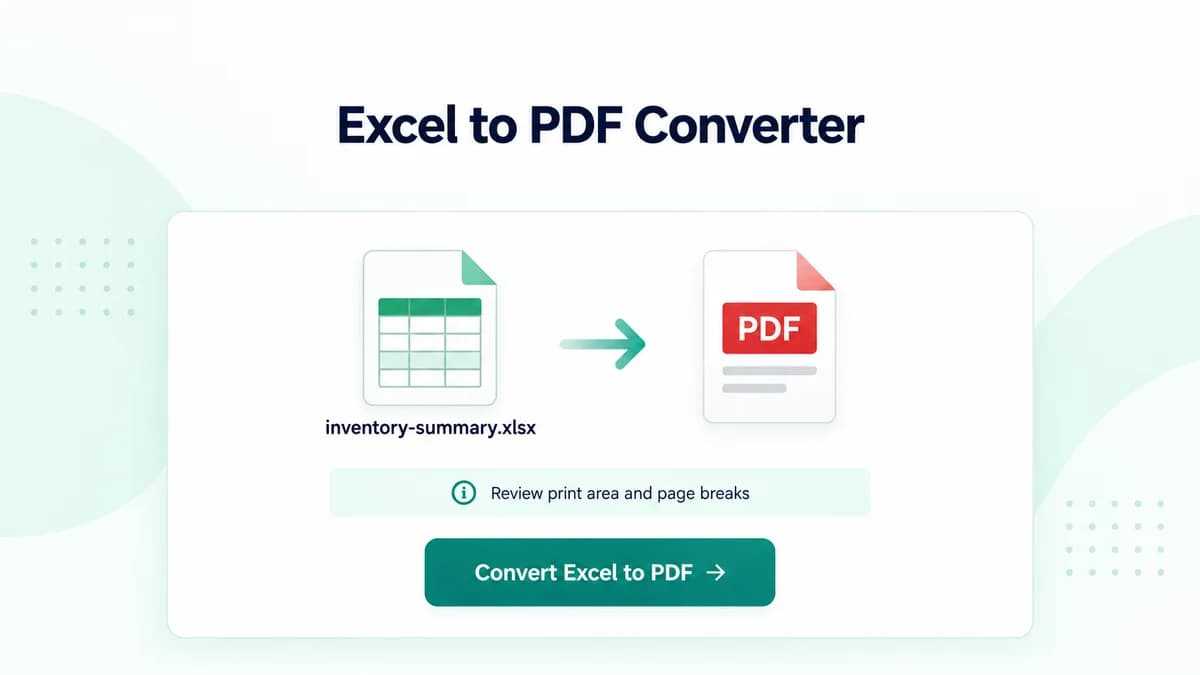
Excel to PDF guide
How to convert Excel XLS or XLSX files to PDF
Turning a spreadsheet into PDF makes it easier to share a fixed view of tables, charts, and worksheets. Spreadsheet print settings have a direct effect on how many PDF pages are created.
Read guide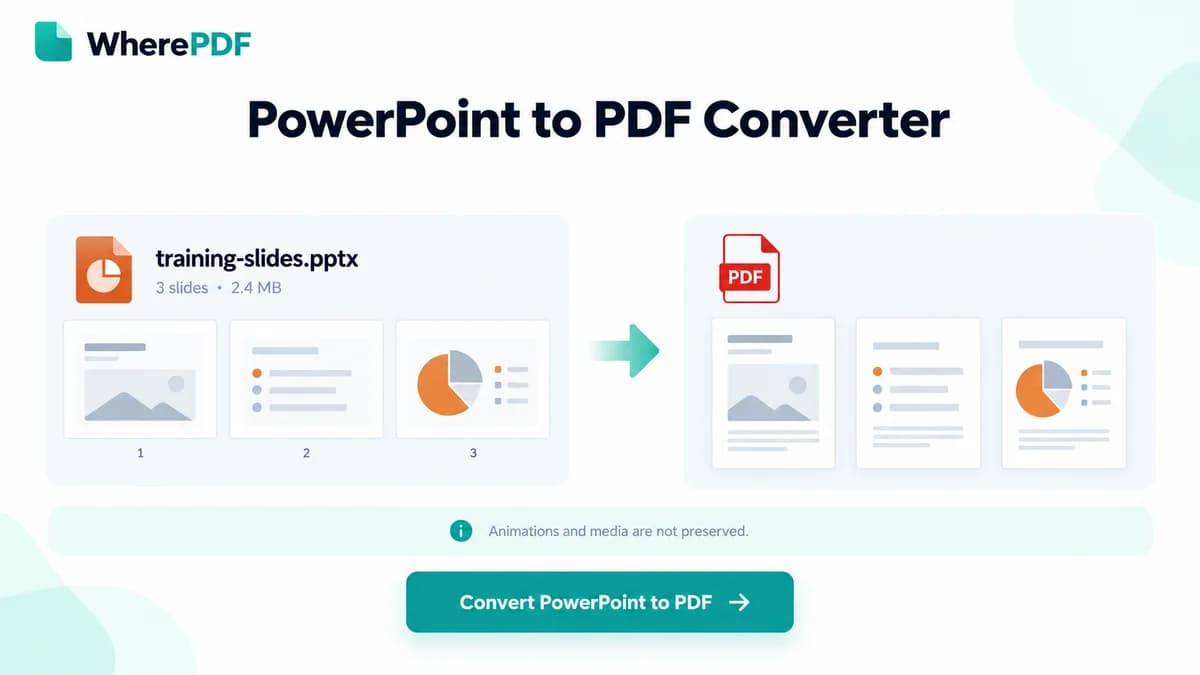
PowerPoint to PDF guide
How to convert PowerPoint PPT or PPTX files to PDF
Export a presentation as PDF when recipients need a fixed, printable copy instead of an editable slide deck. The result preserves static slide pages but cannot carry interactive presentation behavior.
Read guide